> For the complete documentation index, see [llms.txt](https://docs.eyepop.ai/developer-documentation/llms.txt). Markdown versions of documentation pages are available by appending `.md` to page URLs; this page is available as [Markdown](https://docs.eyepop.ai/developer-documentation/api-keys.md).
# API Keys
Create, store, and safely hand out EyePop credentials
An EyePop **API key** is a long-lived secret (prefixed `eyp_`) that authenticates your requests. Create one in the [dashboard](https://dashboard.eyepop.ai) and set it as `EYEPOP_API_KEY` on your server — the SDKs and CLI pick it up automatically.
```bash
export EYEPOP_API_KEY=eyp_...
```
Treat the key like a password: it belongs on your server, never in a browser or mobile app bundle.
### Create a key
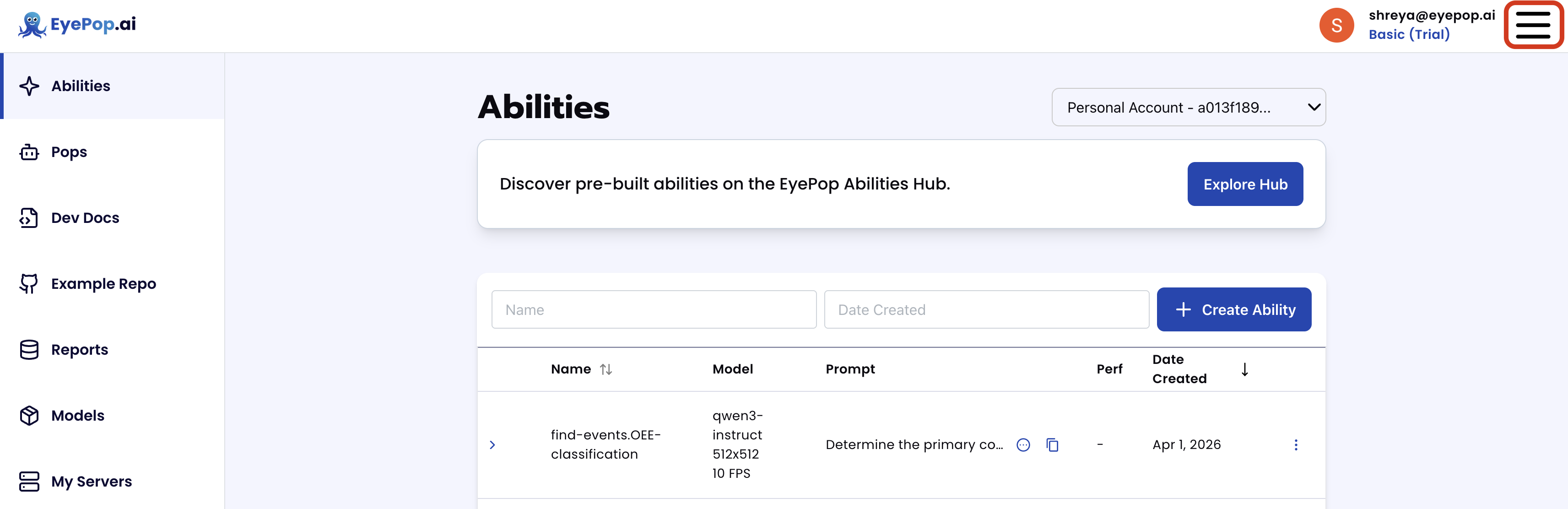
1. In the [dashboard](https://dashboard.eyepop.ai/), click the hamburger icon in the upper right.
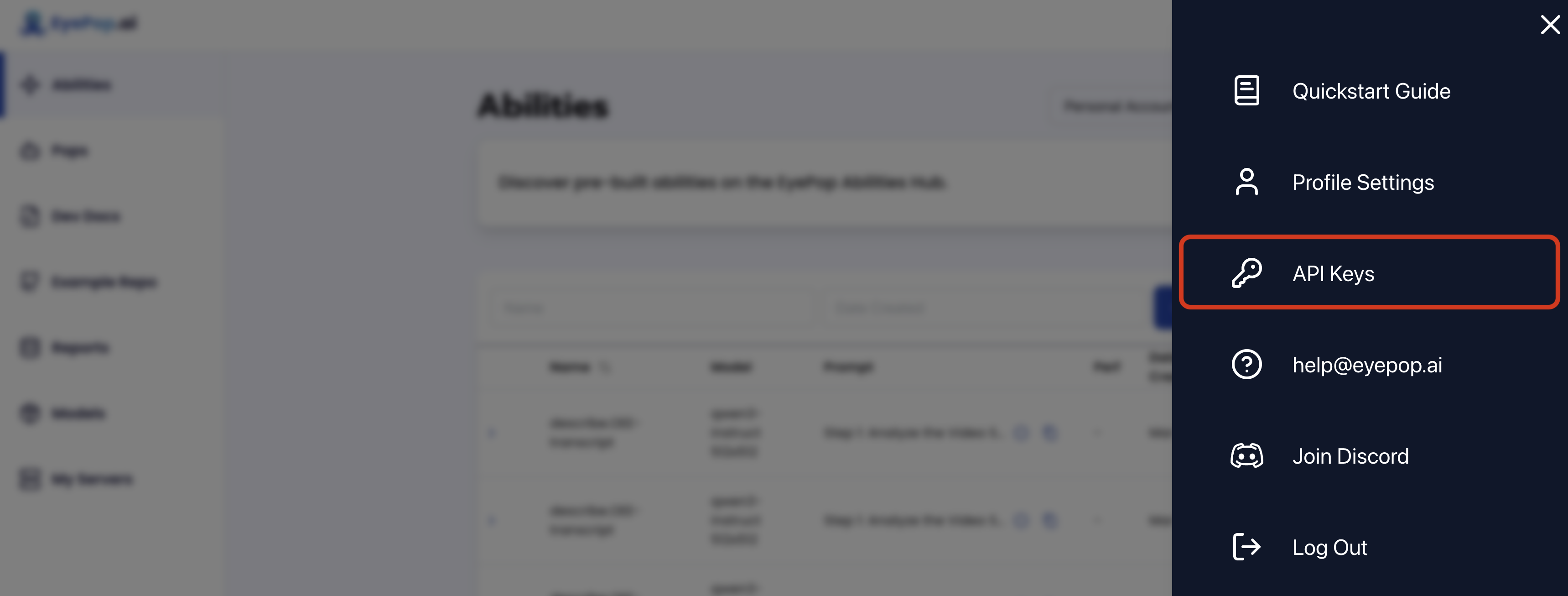
2. Select **API Keys** to see every key you own, and to create or delete keys.
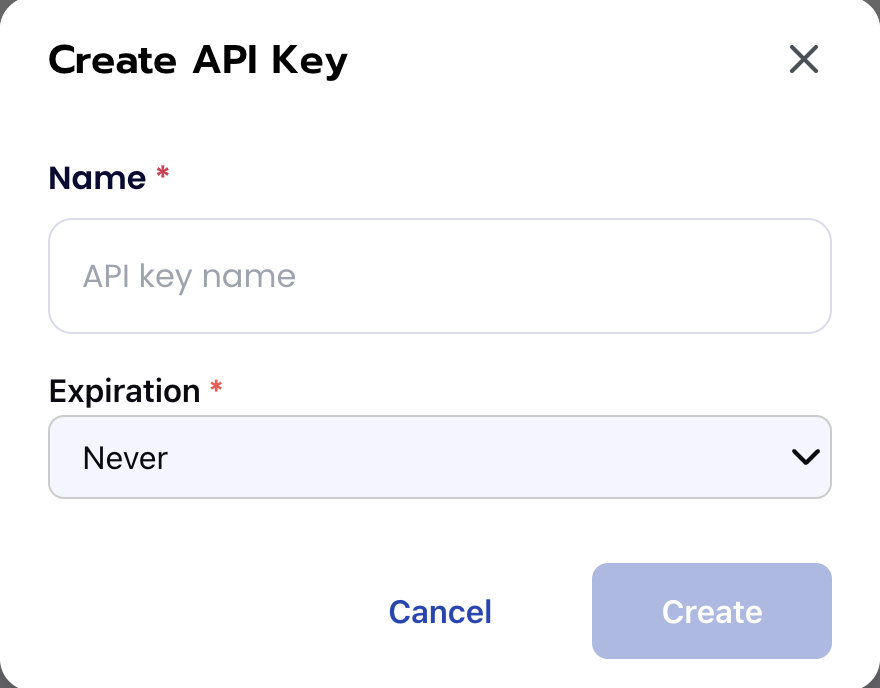
3. Click **Create API Key**, give it a memorable name (`Starter Integration`, `My App Key`), and click **Create**.
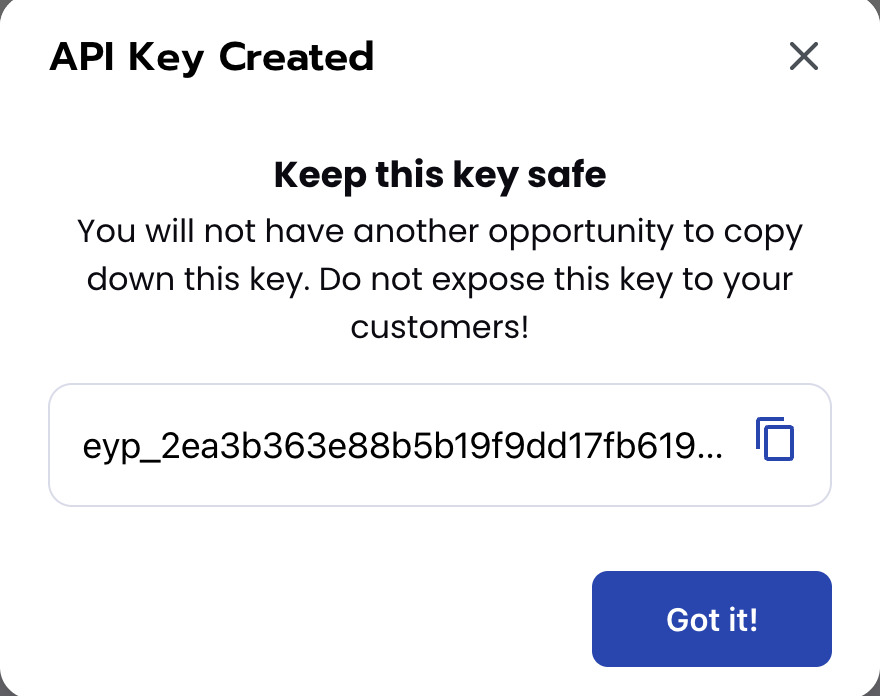
4. **Copy the key immediately** — you cannot view it again. If you lose it, delete it and create a new one.
{% hint style="warning" %}
Keep API keys out of source control, shared shell history, and client bundles.
{% endhint %}
### Next steps
* [Quickstart](/developer-documentation/quickstart.md) — put the key to work in a first inference
* [SDKs](/developer-documentation/sdks.md) — call EyePop from Python or Node
* **CLI** — open the CLI section in this site's navigation to use the key for scripts and CI