> For the complete documentation index, see [llms.txt](https://docs.eyepop.ai/developer-documentation/llms.txt). Markdown versions of documentation pages are available by appending `.md` to page URLs; this page is available as [Markdown](https://docs.eyepop.ai/developer-documentation/train-your-own-model/human-review.md).
# Human Review
Correct the AutoLabeler and accept the labels that train your model
Now you’ve reached human review (that’s you!). On the right side of the screen, EyePop.ai displays the images that are prioritized for human review based on the resulting health of your model. Image data shown to the left includes the Image ID, the file type, when it was uploaded, and the image priority (or how critical it is to train the model on this particular image).
Your task is to verify that all target objects are properly labeled. **Approve** accurate labels, **ignore** irrelevant or low-quality images, and save negative images that correctly did not identify the object. You can also adjust the bounding boxes to fine-tune the labeled areas. **Keyboard shortcuts** are your friends here. The shortcut for each action is printed on its button:
* A (Approve): this means everything looks good, continue on.
* R (Reject): this excludes the image from training.
* Edit: click the **EDIT (E)** button to open the box editor and adjust the bounding boxes.
* Arrow keys can be used to navigate left and right through the images.
* Pinch zoom or scroll in with the mouse to enlarge images.
When the AutoLabeler finishes, the pre-training card shows your approved and rejected counts and a **Start training** button. Click it to start training.
### Common Labeling Mistakes
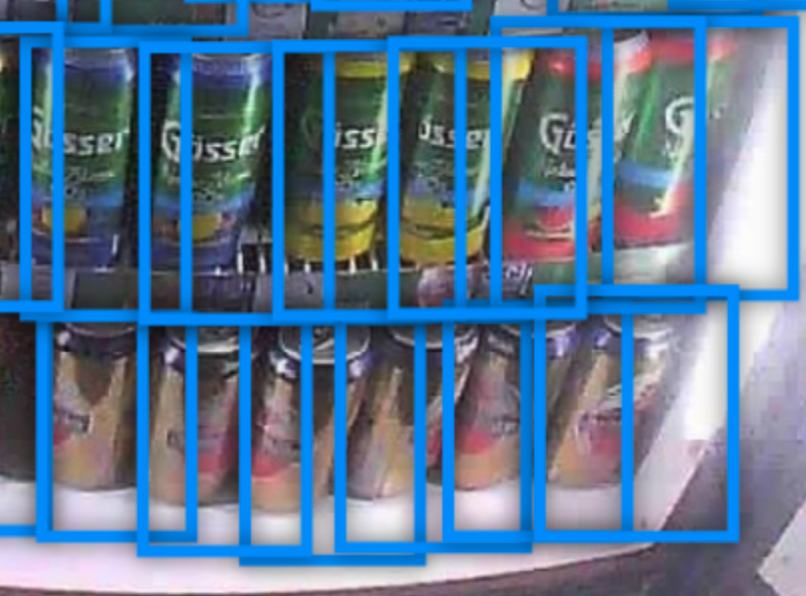
1. **Over-sized Box**: Likely caused by manual copying. This can reduce prediction accuracy as:
* It’s hard to verify correctness due to massive overlaps.
* It could cover other objects if they are close.
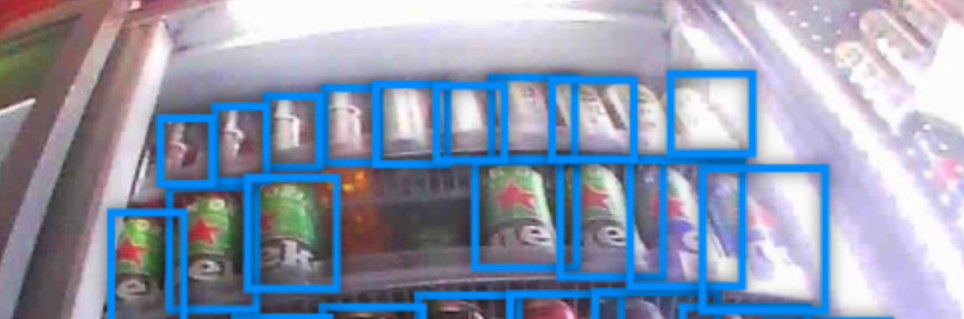
2. **Double Boxes**: Likely caused by the auto-labeler. This is very harmful to model learning.
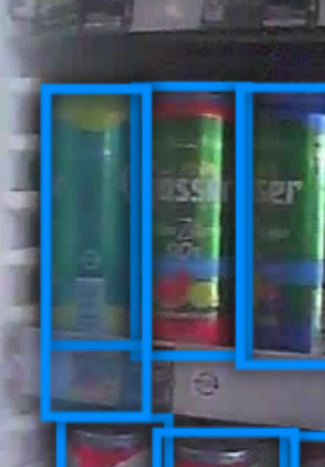
3. **Missed Box**: Likely caused by manual review errors. When objects are grouped together, it’s easy to miss one box between multiple boxes due to overlapping annotations.